
Purpose
Understand the transition from screening to randomized assignment and why eligible site supply matters.
Expected outcome
You can identify the required study/site context, distinguish screening from allocation, and interpret supply-related allocation failures.
Prerequisites
Correct Account/study and an active permitted site. Screening requires Subjects.Manage; randomization requires Subjects.Randomize, an eligible screened subject and configured design.
Section 1: Screen a subject
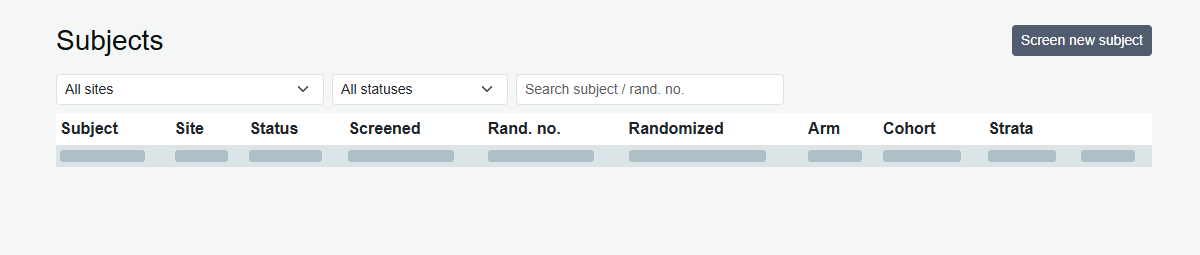
- Open Subjects and choose Screen subject when authorized.
- Select the active site.
- Enter the permitted subject number or allow automatic assignment. Avoid direct personal identifiers.
- Enter protocol-required measurements. The screening form supports optional weight 1-500 kg and height 30-250 cm.
- Submit once and read the explicit result. Open the created record to review it.
Section 2: Randomize with eligibility and strata
- Open the screened subject.
- Provide each configured stratification factor and select an open cohort if applicable.
- Confirm that inclusion/exclusion requirements have been assessed under the approved protocol.
- Submit Randomize subject and verify the resulting status and recorded assignment.
A checkbox does not replace documented clinical assessment.
Section 3: Site-stocked block behavior
For the applicable block-aware workflow, a new subject can be allocated using eligible kits within an available site block. Revisits prefer a different compatible block. When another block is not available, eligible stock matching the required treatment can provide the supported fallback.
Allocation is not unrestricted selection of any stock: product, treatment, master-ID and stock-state rules still apply.
Troubleshooting and checks
Check study status, strata, cohort capacity, site scope and eligible inventory before retrying a failed allocation. Blinded users must not inspect arm labels to diagnose stock. Never create an off-system assignment to bypass a shortage or lock.
This guide supports training and does not authorize clinical decisions, override access controls or establish regulatory compliance. The approved protocol and organizational procedures remain authoritative.