
Purpose
Protect the meaning of the master assignment list and its identifiers while producing permitted review copies.
Expected outcome
You can distinguish a randomization ID from a physical kit label, preserve DUMMY/master separation, and explain provenance limitations.
Prerequisites
An approved saved design and unblinded Randomization.Manage. Exports additionally require Data.Export. Protect exported unblinded files under the study's procedures.
System capacity limit
Master generation, dummy previews, imports, generation from reviewed dummy settings and automatic block extension enforce the System Administrator's per-study master-row limit, default 2,000. Over-allocation, strata and complete blocks all count. The sample-size input's upper bound does not override this capacity limit. See Master Application Settings; existing lists are retained if a limit is reduced.
Section 1: Record identities
A Randomization ID identifies a master assignment row. A Kit Number identifies inventory. A lot number identifies a batch. These values are related by workflow records but are not interchangeable. A label map can link supply to the relevant master identifier.
Section 2: Review captured settings
- Open the study's Design master-randomization panel.
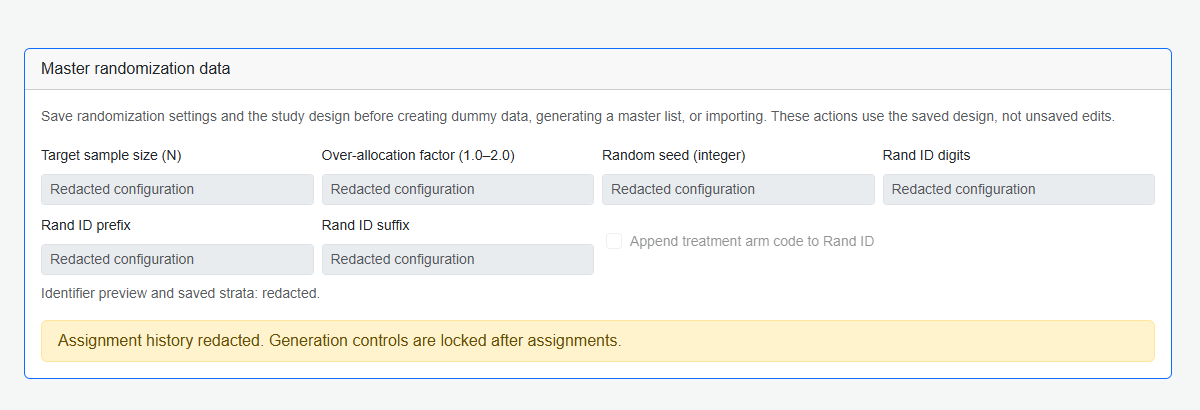
- Check the saved method, arms, ratios, blocks, factors, sample size, seed and identifier format.
- Choose DUMMY for review data or Master for the operational list; do not confuse the files.
- Confirm that any replacement action remains allowed before assignment begins.
Creating a master from reviewed dummy settings creates new operational rows. Changing the current list form does not silently change the saved dummy specification used by that action.
Section 3: Export and re-import correctly
- PDF includes all rows and captured specification where available. It is unsigned and not an audit-locked regulatory copy.
- CSV contains only selected columns. Include RandId, ArmCode and StratumKey for a re-import candidate.
- Imported lists state that external seed/block-generation provenance is not verified.
- Older lists without captured provenance must not be represented as if current design proves their original generation settings.
Troubleshooting and checks
A newer preview, changed design or started assignment may block master creation from a saved preview. Recreate and review an old preview lacking captured settings rather than inventing its provenance. Formal approval and intended-use verification are separate from a successful export.
This guide supports training and does not authorize clinical decisions, override access controls or establish regulatory compliance. The approved protocol and organizational procedures remain authoritative.