
Purpose
Coordinate eligible supply movements while preserving site-stock and block requirements.
Expected outcome
You can distinguish depot availability, dispatched stock and received site inventory, and understand why thresholds may be rounded to study blocks.
Prerequisites
Active permitted sites/depots and eligible released stock. Viewing, managing and receiving use separate permissions: Shipments.View, Shipments.Manage and Shipments.Receive.
Section 1: Prepare and dispatch
- Open Shipments & Forecast in the correct study.
- Select the permitted source/destination and review eligible stock.
- Choose the supported kits/quantity under the product's supply model.
- Confirm the approved dispatch details and read the outcome.
Expiry, Do-Not-Ship windows, quarantine and product rules still apply after lot release.
Section 2: Receive into site stock
- Review the incoming shipment and physical supply under the receipt procedure.
- Use the authorized receive workflow and confirm the result.
- Check site inventory balances before attempting dispensing.
Stock held at a depot or marked InTransit is not automatically available at the site. Quantity transfers retain location/status history under the shared inventory identity.
Section 3: Forecast & rebalancing: site and depot inventory
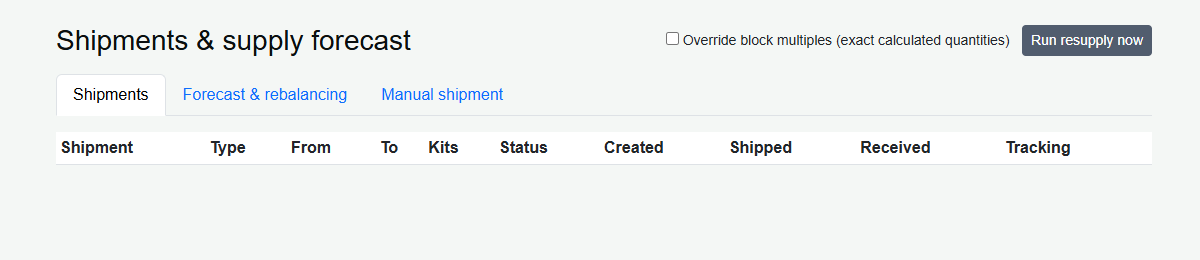
- Open Shipments & supply forecast and select Forecast & rebalancing.
- Review Site Inventory: site status, active subjects, Available by IP and Dispensed kits by IP.
- Where site-view permission is granted, click the site name to open its address, consignee and investigator details. Close the popup to return to the table.
- Review in-transit supply, burn/week, weeks of cover, four-week need, expiring stock and recommendations.
- Below the site table, review Depot Inventory: depot name, Active/Inactive status and available quantities by IP.
- Reconcile eligible supply and destination requirements before using an authorized shipment workflow.
Dispensed quantities are all-time issuance counts, while burn/week uses the last 28 days. The forecast combines dispensation burn with enrollment velocity and randomization-visit requirements; it is advisory, not a guaranteed prediction. Blinded users see arm-linked product quantities combined under Study treatment (blinded), while other products retain their names. Site scope restricts site rows; depot inventory is limited to the selected study and Account.
Available totals describe stock status, not subject-specific eligibility or release approval. Read release, expiry, Do-Not-Ship, quarantine and master linkage before allocating. Empty depots can appear with zero stock; no configured depots produces an explicit empty-state message.
Section 4: Thresholds and block overrides
New-site defaults use the least common multiple of configured study block sizes: one multiple for the trigger and three for the target. Existing sites retain their saved thresholds. Non-multiple manual values require explicit override confirmation; supported imports report warnings and audit accepted exceptions.
Document why a non-standard threshold is appropriate. Resupply uses the implemented stock and block rules; it is not a claim of unrestricted demand prediction.
Troubleshooting and checks
Check active location state, stock eligibility, quantity and study context before retrying. Follow the approved shortage/escalation workflow. Do not receive a shipment before physical receipt merely to make the site appear stocked.
This guide supports training and does not authorize clinical decisions, override access controls or establish regulatory compliance. The approved protocol and organizational procedures remain authoritative.